Virtual business cards
Issue instant virtual cards your team can use anywhere. Faster, safer and more flexible than physical cards, with nothing to lose, replace or wait for.
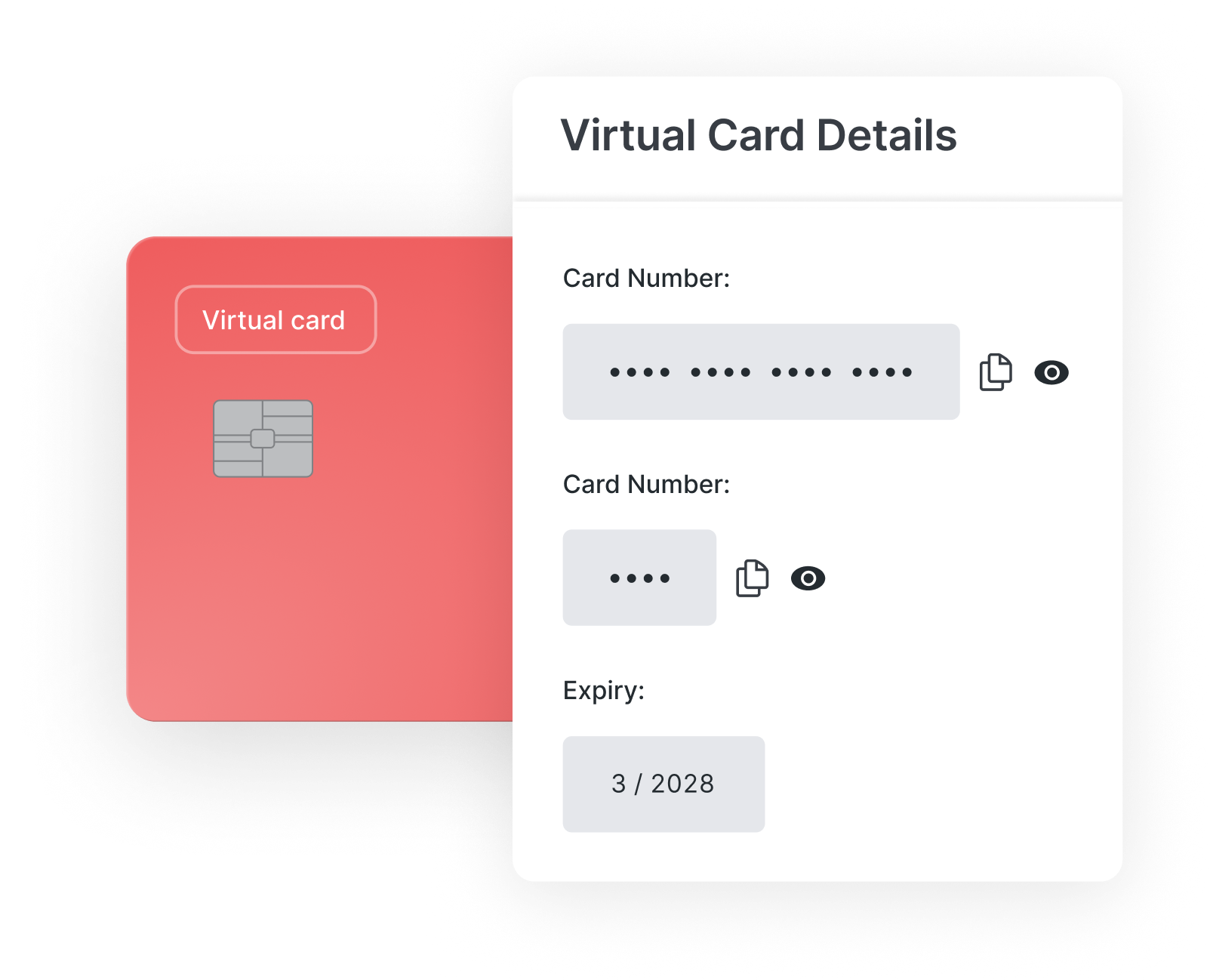
Control company spend from the start
Live in seconds
No waiting. Virtual cards are ready when you need them.
Built-in policy rules
Set granular limits, block categories, and auto-expire cards.
Reusable by design
Reactivate dormant cards for new projects. No reissuing.
Built into your workflow
Cards, expenses, approvals, and reporting in one tool.
Trusted by many happy customers




Virtual cards for every employee, team, and use case

Department budgets
Give Marketing, HR, or IT pre-approved spend with built-in caps.

Event expenses
Issue a virtual card for a conference or training day.

Recurring subscriptions
Assign one virtual card per tool for total clarity. Cancel in a click.

Project-based spending
Create temporary cards for time-based projects. Auto-deactivate when done.
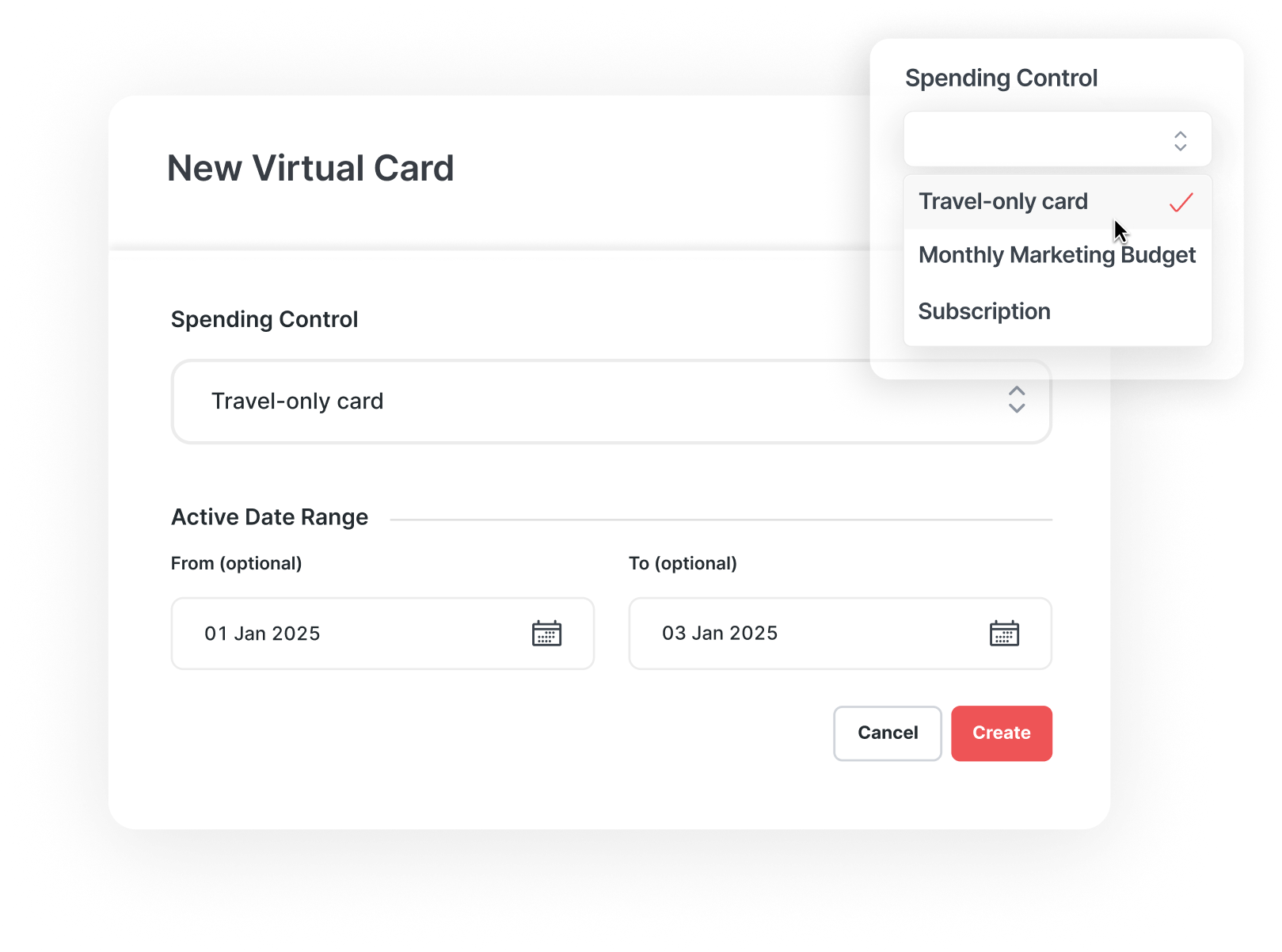
Powerful spend controls on every virtual card
Every virtual business card comes with robust, built-in controls:
Set daily or monthly card limits
Block certain merchant types, countries, or categories
Auto-expire cards after a set time
Assign by individual, team, or shared use
Reactivate dormant cards for new projects or tools
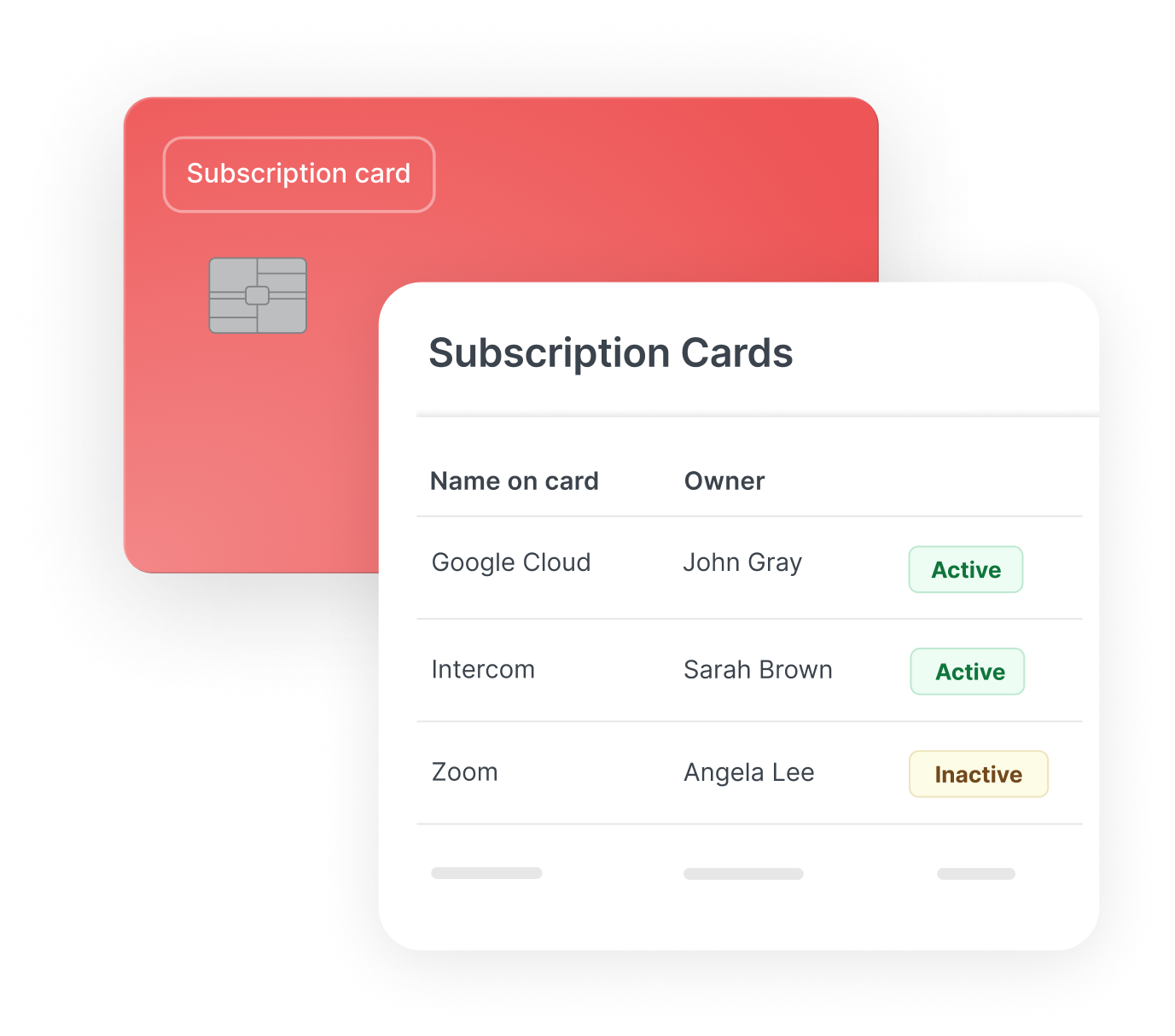
Take control of your recurring supplier spend
Use subscription cards for vendor and supplier spend – built for SaaS tools, retainers, and other recurring costs. Keep every payment visible, controlled, and separate from employee expenses.
Use virtual cards for online & in-person spending
Add virtual expense cards to Apple Pay or Google Pay, and your team can pay in-store, on-site or anywhere contactless is accepted.
Works online, in-store and on the go
Add to Apple Pay and Google Pay in seconds
Ideal for travel and time-sensitive spend
Real-time visibility and notifications for finance
Security built into every card
Virtual cards avoid the risks of shared or physical cards. Every card is tied to an individual and stored securely in the app or mobile wallet.
No physical cards to lose, steal or skim
Unique card details that are never shared
Encrypted Apple Pay and Google Pay payments
Biometric authentication for every tap
How our virtual expense cards work
- 1

1. Make a purchase
Employees use virtual cards for approved purchases.
- 2

2. Capture in real time
Merchant data and draft expenses are created instantly.
- 3

3. Upload receipts
Cardholders are prompted to submit receipts in real time.
- 4

4. Approve & sync
Approvals flow through automatically, ready for export.
FAQs: Virtual cards for business expenses
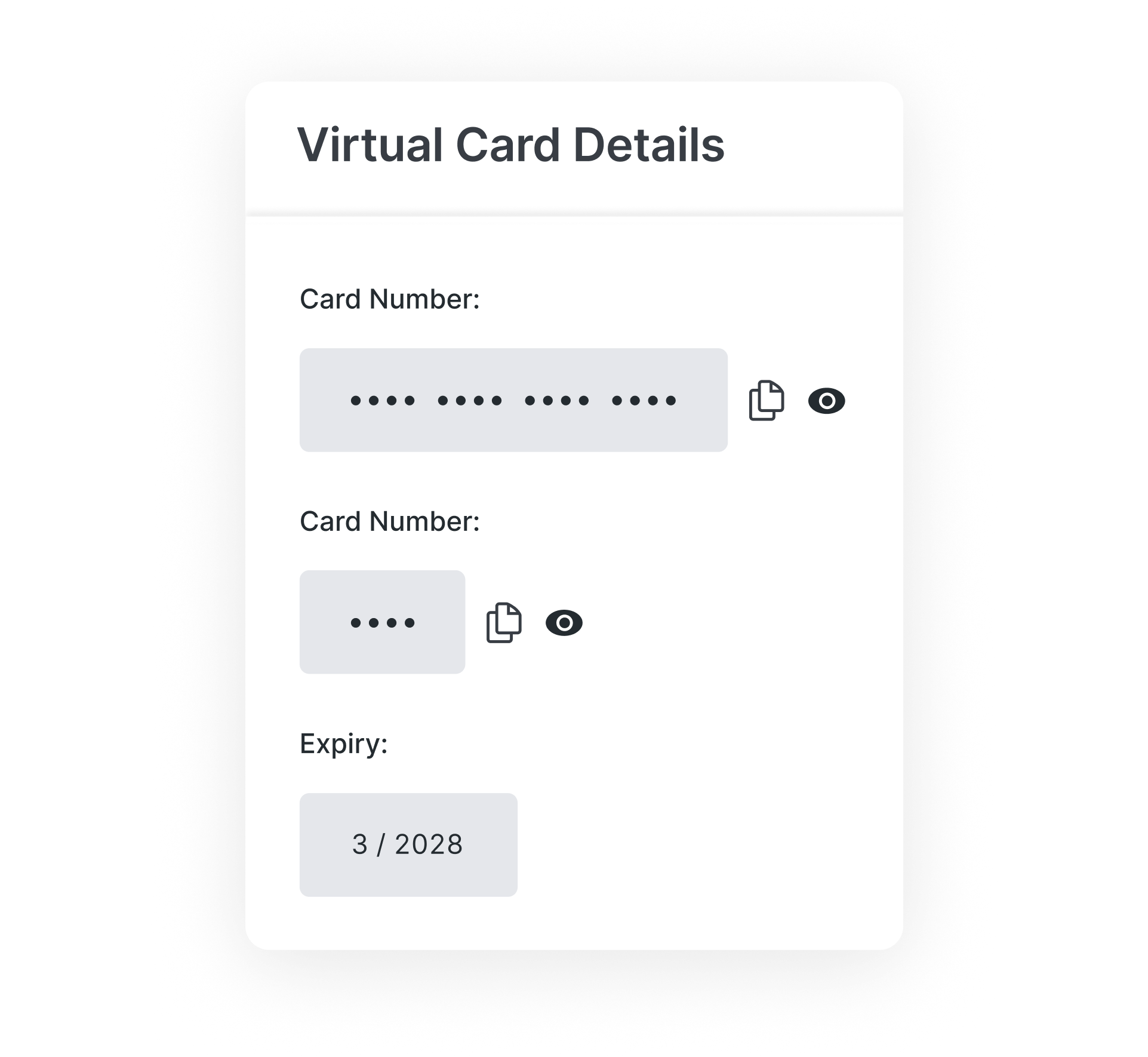
Virtual cards are digital payment cards that live in the ExpenseIn platform. Each card has its own card number, expiry date and CVV, and can be issued instantly for online or in-person spending through Apple Pay or Google Pay.
There’s no hard limit. You can create:
One card per team, project, or subscription
Multiple cards per person
Temporary cards for short-term initiatives
Every card is still assigned to an individual, so there’s always a clear owner – even when the spend supports a wider team or purpose.
It’s flexible, scalable, and fully under your control.
Absolutely. Use one virtual expense card per SaaS tool for:
Clear spend ownership
Simple cancellation and renewal control
Avoiding duplicate subscriptions
No more surprise charges on shared company cards.
Yes. You can create a virtual card specifically for:
Travel bookings and accommodation
One-off events, training days, or ad-hoc tools
Online grocery orders or office supplies
You can set start/end dates and auto-expire the card when it’s no longer needed.
You can:
Pause or cancel cards instantly
Review any active subscriptions tied to their cards
Maintain a full audit trail for every change
No need to chase plastic cards or untangle charges.
Yes. You can add ExpenseIn virtual cards to Apple Pay or Google Pay and use them for in-person, contactless payments as well as online purchases.
Effortless spend management for growing finance teams



Trusted by UK and Irish finance teams
The ExpenseIn App is easy to use and the pricing model works very well for us.
Sian Waddington
Director of OperationsWe’re really pleased we made the decision to roll out ExpenseIn at Ascot Racecourse and the system has been widely embraced by our employees.
Chris Collard
Financial ControllerThe biggest benefits since using ExpenseIn are its ease of use, configuration for back office and the mobile app.
Chris Walkingshaw
HR and Operations DirectorThe ExpenseIn App is easy to use and the pricing model works very well for us.
Sian Waddington
Director of OperationsWe’re really pleased we made the decision to roll out ExpenseIn at Ascot Racecourse and the system has been widely embraced by our employees.
Chris Collard
Financial ControllerThe biggest benefits since using ExpenseIn are its ease of use, configuration for back office and the mobile app.
Chris Walkingshaw
HR and Operations DirectorOur employees are happier as they are getting paid quicker.
Mathew Beadle
Financial ControllerThe ExpenseIn App is easy to use and the pricing model works very well for us.
Sian Waddington
Director of OperationsWe’re really pleased we made the decision to roll out ExpenseIn at Ascot Racecourse and the system has been widely embraced by our employees.
Chris Collard
Financial ControllerThe biggest benefits since using ExpenseIn are its ease of use, configuration for back office and the mobile app.
Chris Walkingshaw
HR and Operations DirectorOur employees are happier as they are getting paid quicker.
Mathew Beadle
Financial ControllerSee ExpenseIn virtual cards in action
Experience the ease of instant issuing, smarter controls, and integrated spend management – all in one platform.
More from ExpenseIn
Looking to streamline other aspects of your expense management process?


